
DETECTOR HELP · WATER PROTECTION
Metal detector waterproof seals: inspection and care
Inspect detector caps and seals before and after water use, avoid damaging grease or grit, and know when manufacturer service is safer than DIY repair.
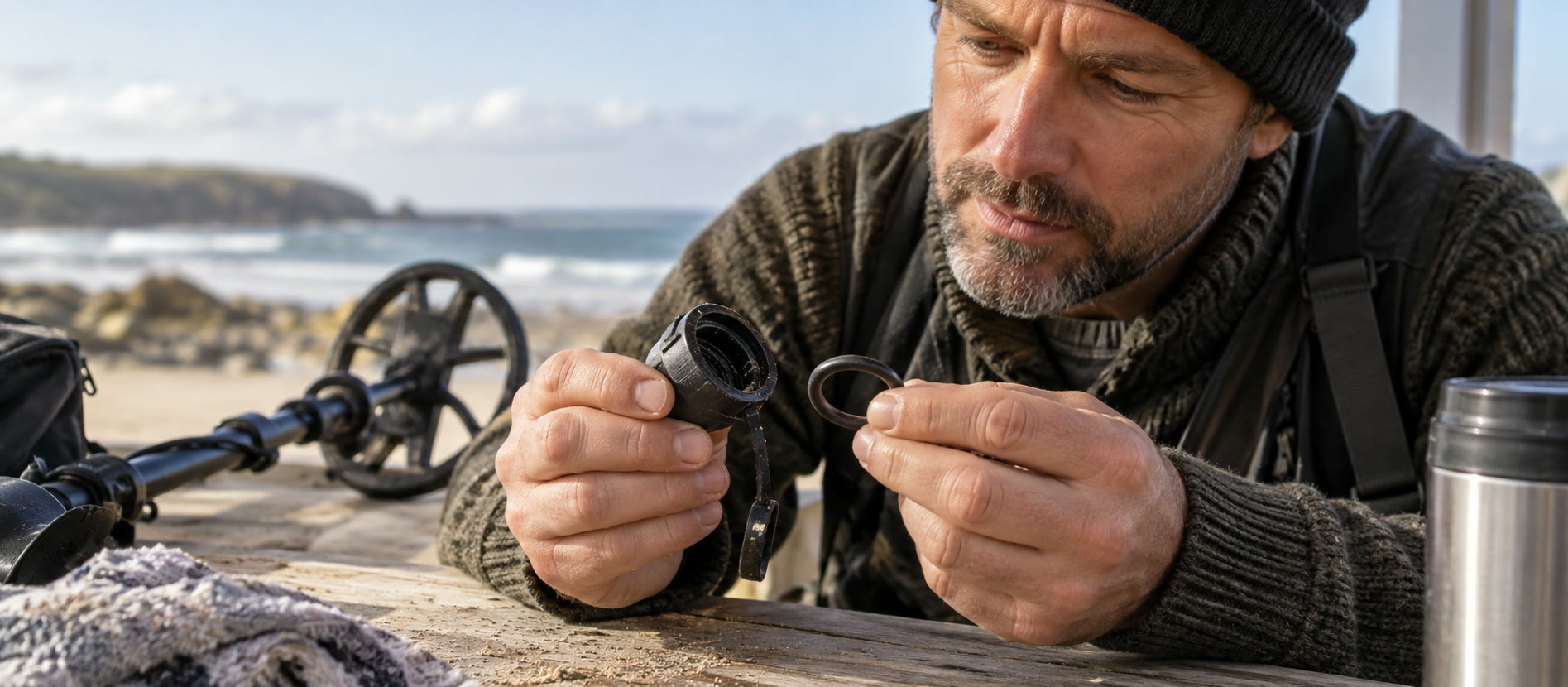
Distinguish fully waterproof detectors from coil-only models.
Inspect accessible caps and seals for grit or damage on a dry bench.
Rinse as the manual directs; stop using a damaged seal and seek service.
First establish what is waterproof
“Waterproof coil” and “waterproof detector” are different claims. The older VANQUISH 340 has a coil rated to 1 m and a non-submersible control box. Garrett's ACE 300i also has a waterproof coil but not a submersible control unit. By contrast, Minelab lists the current VANQUISH 360 as IP68 to 5 m for the whole detector. Look up the exact model and manual before approaching surf or shallow water; a visually similar machine may have a different boundary. Our 340 versus 360 guide illustrates the risk.
Before a wet session
On a clean, dry surface, inspect the housing and accessible headphone or charging closure. Look for cracks, grit, displaced material, cross-threading or missing parts. Close each cap as the manual specifies; do not tighten it with a tool unless instructed. If underwater headphones are required for a waterproof connection, ordinary wired or wireless headphones are not a substitute. A rain cover cannot convert a coil-only detector into a fully waterproof one.
Minelab's FAQ explicitly says not to lubricate or grease its detector seals; petroleum-based products can damage them. Its X-TERRA PRO manual also warns against applying chemicals, including O-ring and silicone grease, to seals. Follow your own model's instructions rather than a general diving-equipment tip. If a seal looks cut, flattened or loose, stay out of water and contact authorised support.
After salt water or sand
Rinse the exterior with clean fresh water as the manufacturer directs, keeping a coil-only model's control box outside any rinse that could flood it. Avoid rubbing abrasive sand across the screen or seal. Minelab directs X-TERRA PRO users to flush camlocks and to make the connector area dry and free of sand before disconnecting underwater headphones or its cap. Exact opening and cleaning steps vary by design. Dry the unit and accessories thoroughly before storing them in a bag. Our after-beach cleaning guide handles the complete routine.
If water may already have entered
Switch the machine off, do not connect a charger, and do not test it by putting it back in water. Note where moisture appeared and contact the dealer or manufacturer for an authorised inspection. Opening a sealed battery housing or applying household adhesive may compromise protection and warranty. Minelab recommends authorised service for internal battery work to avoid damaging the waterproof seal. Battery care and the no-power checklist explain what can safely be checked externally.
The water decision is still a site decision
A 5 m machine rating is not a safe-wading recommendation. Currents, tides, slippery rocks, hidden holes and permission rules are separate constraints. On a UK beach, plan access and exit, read the tide and leave water you cannot safely assess. The beach permissions guide is as important as the detector's seal.
Common questions
Frequently asked questions
Should I grease a detector's O-ring or seal?
Not unless that exact manufacturer instructs it. Minelab warns against grease and other chemicals on its detector seals.
Is a waterproof coil enough for wading?
No. The control unit, connectors and headphones each have separate limits; a coil-only detector's box must stay dry.
What if sand is trapped near a cap?
Do not force or rub it into the seal. Follow the exact manual's gentle fresh-water cleaning and drying directions before opening the connector.
Can I test a damaged seal by submerging the detector?
No. Stop water use and seek authorised inspection; a home submersion test risks further damage.